Best AI crawler tracking tool for WordPress sites, ranked for 2026
We ranked six ways to see GPTBot, ClaudeBot and PerplexityBot on a WordPress site, from free Cloudflare data to plugins that tie crawls to AI citations.
WordPress owners asking which tool tracks AI crawlers usually want three answers from one screen: which bots fetched which URLs, whether those fetches succeeded, and whether any of it turned into an AI answer that names the site. Most tools on the market cover the first part. Very few cover the third.
We ranked the options by that last test. A tool that only counts bot hits sits lower than one that can follow a page from crawl to citation, because hit counts alone cannot tell you whether to fix access, fix content, or leave the page alone.
How we ranked them
Four checks decided the order:
- WordPress install path. Can you start with a plugin or a guided setup, or do you need server log access?
- Bot identity. Does the tool verify crawlers against the IP ranges the operators publish, or does it trust the user-agent string?
- Crawl to citation. Can it connect a GPTBot or ChatGPT-User fetch to a later citation of the same page?
- Price you can verify. Every figure below comes from our catalog entries, not from guesses.
The ranking
1. Promptwatch: the only pick that follows a crawl to a citation
Promptwatch ships an official WordPress plugin. One install connects three things: crawler logs captured from your server, visitor analytics for people who arrive from AI answers, and publishing for Content Agent articles. Since September 10, 2026, WordPress is also a named option in the crawler log setup: install the plugin, paste an API key, and AI crawler visits start arriving without CDN or server changes.
What puts it first is what happens after the logs arrive. Promptwatch checks each request against the operator's published IP ranges, so a scraper using "GPTBot" as its user agent does not inflate your numbers. The Crawler Logs page splits training bots, search bots and user-triggered fetches, and a crawl-to-citation view gives each page a citation rate. That rate tells you whether a page has an access problem or a content problem.
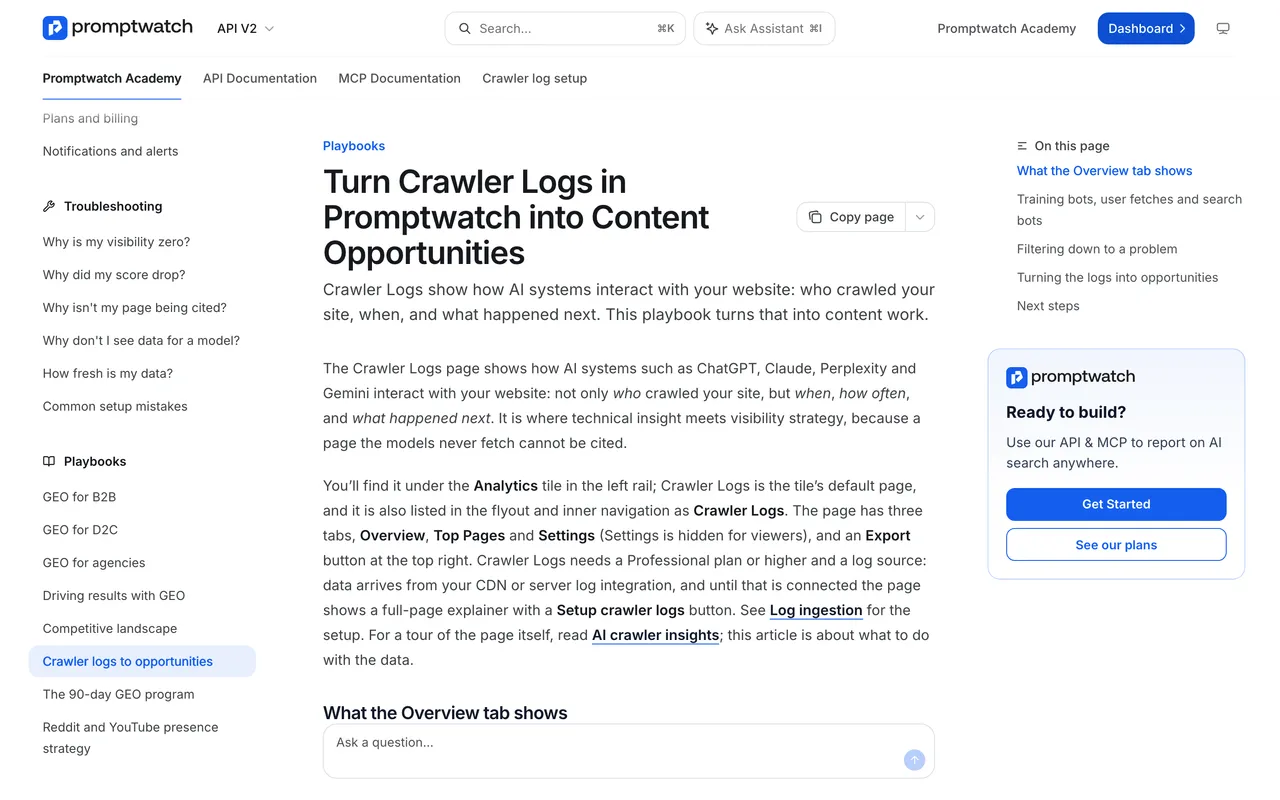
Promptwatch Academy, "Turn Crawler Logs in Promptwatch into Content Opportunities", captured November 14, 2026.
The Academy page above spells out the plan requirement: Crawler Logs needs Professional or higher. Professional is $245 a month with 25M crawler log events, Business is $579 with 100M, and every self-serve plan has a 7-day free trial on monthly billing. The $95 Essential plan has no crawler logs, so do not buy it for this job. Agencies get crawler logs on every agency tier, from Kick-off at $199.
2. Known Agents: broad log sources and a free tier
Known Agents (formerly Dark Visitors) lists WordPress among its server-side integrations, alongside Cloudflare, Fastly, Akamai and others. It covers agent visits by page, error and redirect analysis, robots.txt violations and spoof verification, and it can block bad bots through its WordPress plugin. The Free plan covers 1 project and 100K events a month; Startup is $29 a month and Growth $299.
The limit is the answer side. Known Agents runs no prompts, so it cannot tell you what ChatGPT or Gemini say about you, and its own llms.txt describes its citation counts as estimates inferred from agent fetches.
3. Cloudflare AI Crawl Control: free if your WordPress site is proxied
If your WordPress site already runs behind Cloudflare, Cloudflare AI Crawl Control costs nothing extra. It groups crawler requests by operator, shows status codes and most-requested paths, and lets you allow or block each crawler from the same screen. On the Free plan it identifies crawlers by user agent only, and referral metrics need a paid plan (Pro from $20).
It has no prompt tracking and no citation data. Use it for access control and pair it with something that reads the answers.
4. Scrunch AI: bot reporting inside a monitoring suite
Scrunch AI Core is $250 a month and lists AI agent and bot traffic reporting next to prompt tracking on four engines. It is not a WordPress plugin, and our listing does not document bot-level hit tables, crawl-to-citation paths or bot error tracking, so ask for a demo of those before you choose it for crawler work.
5. LLMagnet: a lightweight WordPress plugin
LLMagnet lives inside WordPress and shows AI bot visits per URL, keeps llms.txt files updated and adds schema helpers. Its WordPress price sheet lists PRO at $29 a month per user with ChatGPT and Claude bot analytics, and PLUS at $100 for all bots. The Shopify App Store lists a different sheet, so confirm which one you are buying. Our listing shows no attribution of AI visits to conversions.
6. Yoast AI Brand Insights: not a crawler tool
WordPress readers often assume Yoast AI Brand Insights covers bots because it ships with Yoast SEO AI+. It does not: our listing describes no crawler logs. It asks up to five brand questions a week across four engines. Useful as a pulse check, wrong tool for this question.
Know which bot you are looking at
Rankings aside, the bot names matter. OpenAI's "Overview of OpenAI Crawlers" page lists GPTBot for training, OAI-SearchBot for ChatGPT search and ChatGPT-User for fetches a person triggers, and says each robots.txt setting is independent.
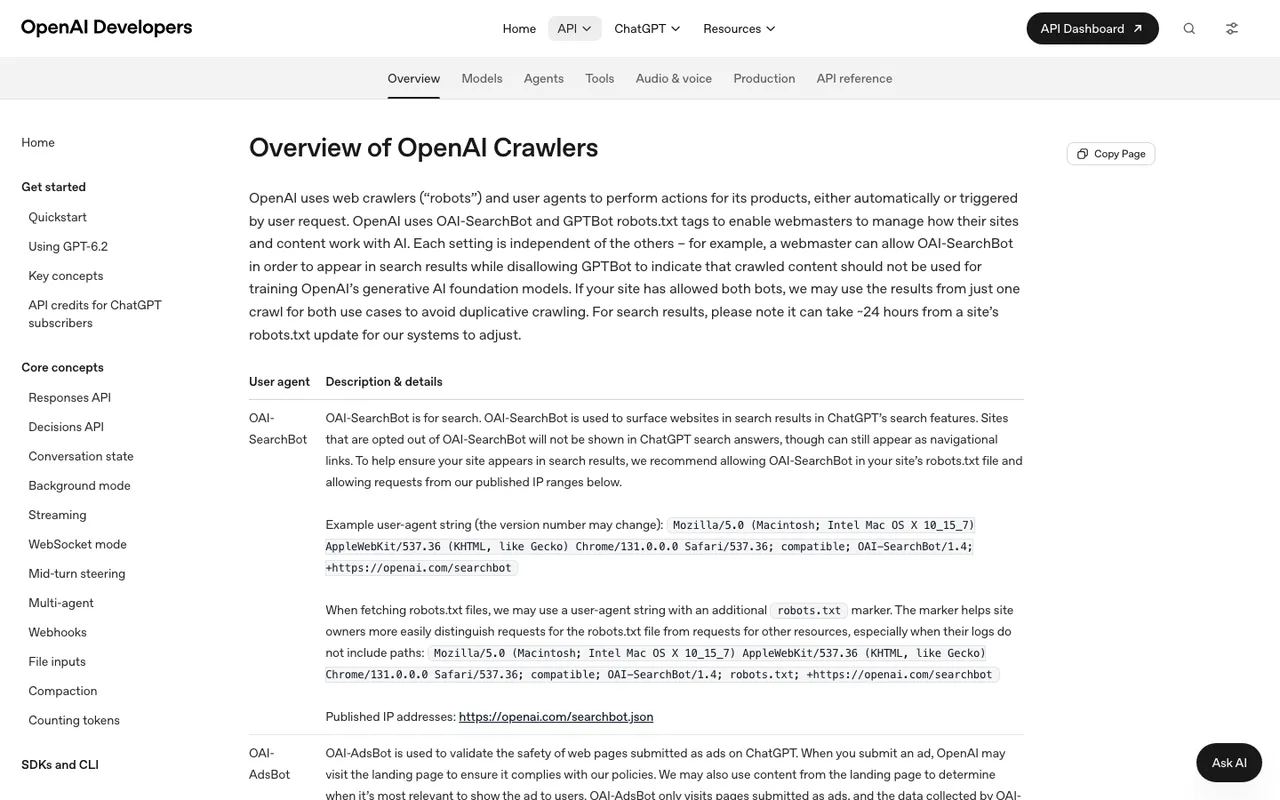
OpenAI, "Overview of OpenAI Crawlers", captured November 21, 2026.
OpenAI also says robots.txt rules may not apply to ChatGPT-User, because a user starts the request. A tool that lumps all three bots into one "OpenAI" line hides the difference between being indexed and being read during an answer.
Our verdict
For a WordPress site that wants to know whether AI crawling is paying off, start a Promptwatch trial on Professional, install the plugin, and give it a week of logs before you judge any page. Keep Cloudflare AI Crawl Control on if you have it; it is free blocking. Known Agents is the strongest pure bot-analytics alternative, and the right pick if all you need is access data.