Why doesn't my WordPress site show all AI crawler visits behind a CDN or cache? Seven causes, ranked
Seven reasons a WordPress site behind a CDN or cache undercounts GPTBot, ClaudeBot and other AI crawlers, ranked by where to look first, plus the edge-level log tools.
Short answer: a WordPress plugin or an origin access log only records the requests that actually reach your server. Once a CDN or a page cache sits in front, a large part of the AI crawler traffic is answered somewhere else, blocked somewhere else, or arrives under a name your report doesn't group as a crawler. The count you see is real. It's just partial.
We ranked the causes below by where we'd look first when a WordPress report looks thin, and then ranked the tools that read logs at the edge instead of at the origin.
The causes, ranked by where to look first
1. Cache hits never reach WordPress
Look here first. When GPTBot or OAI-SearchBot asks for a page the CDN already holds, the edge answers from its copy and the request stops there. PHP never runs, no WordPress hook fires, and nothing lands in the origin's access log. Your most requested pages are also the ones most likely to sit in cache, which makes them the likeliest to be undercounted.
Promptwatch's own WordPress plugin is described in its changelog as capturing crawler logs "directly from your server". That is the right tool for a site without a CDN. Behind one, it sees the misses and not the hits.
2. A page cache on the host answers before plugins load
Managed WordPress hosts and caching plugins often keep a full-page cache. Depending on the setup, a cached response can be served before your logging plugin is loaded. Same effect as cause one, one layer closer to home.
3. The CDN or firewall turns the bot away
OpenAI's help article "Searching the web with ChatGPT" asks site owners to confirm that "the website host or content delivery network allows traffic from OpenAI's published searchbot IP addresses". Perplexity's crawler documentation goes further and walks through Cloudflare and AWS WAF allow rules. If a bot gets challenged at the edge, WordPress never hears about it, and you get silence instead of an error.
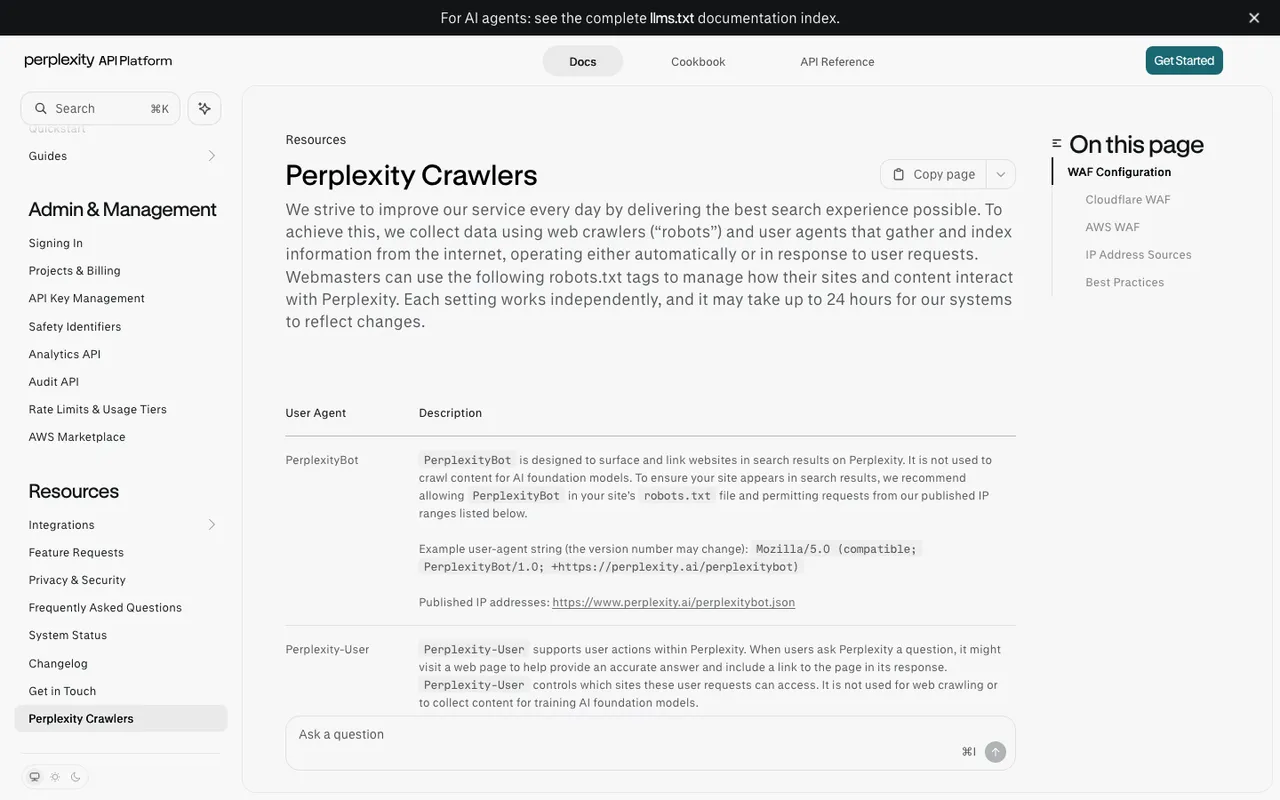
Perplexity's "Perplexity Crawlers" documentation, captured November 21, 2026.
4. The proxy is switched off for part of the site
Promptwatch's HubSpot + Cloudflare setup guide states it plainly: Logpush "only captures traffic that flows through the Cloudflare network", and if a record is set to DNS only, "Cloudflare never sees the requests". A subdomain left grey in DNS splits your traffic between two places that never compare notes.
5. Answer-time fetchers look different from crawlers
ChatGPT-User fetches a page when someone asks ChatGPT a question, and OpenAI says robots.txt rules "may not apply" to it. Google lists Google-Agent as a user-triggered fetcher that "generally" ignores robots.txt. Separately, OpenAI's commerce docs describe a cloud browser whose requests are signed with Web Bot Auth and are "separate from OpenAI's web crawlers, including OAI-SearchBot". A report keyed to a short list of crawler names will put some of these visits in the wrong bucket or miss them.
6. Spoofed and unverified visits get filtered
Anyone can type "GPTBot" into a user agent. Promptwatch checks requests against each operator's published IP ranges and, by default, leaves out visits from addresses the provider hasn't published. Exa's two bots are the exception, since Exa publishes no IP ranges. Behind a proxy, the origin can end up seeing the CDN's address instead of the bot's, unless the real IP is forwarded in a header. The edge log records the client IP directly; Promptwatch's Logpush setup sends it as the ClientIP field.
7. You started logging recently
The HubSpot guide also notes that logs from before setup "can't be imported". A new connection starts at zero.
Edge-level crawler log tools, ranked
1. Promptwatch reads logs where the cache lives. Its integrations page lists Cloudflare (Logpush or an auto-deployed Worker), AWS CloudFront through Kinesis Data Firehose, Fastly, Vercel and Netlify log drains, Akamai DataStream, Google Cloud CDN and a custom HTTP endpoint, with the WordPress plugin for sites without a CDN. Since October, Cloudflare Logpush is the default crawler log setup for WP Engine and Kinsta sites. What puts it first is what happens after the log: IP verification, a status code filter for the 403s and 429s your firewall produces, a Host column (added November 13) that flags hostnames that aren't your site, and a crawl-to-citation path that shows which crawled pages AI actually cites. Crawler logs start on Professional at $245 a month with 25M logs, and every agency plan includes them.
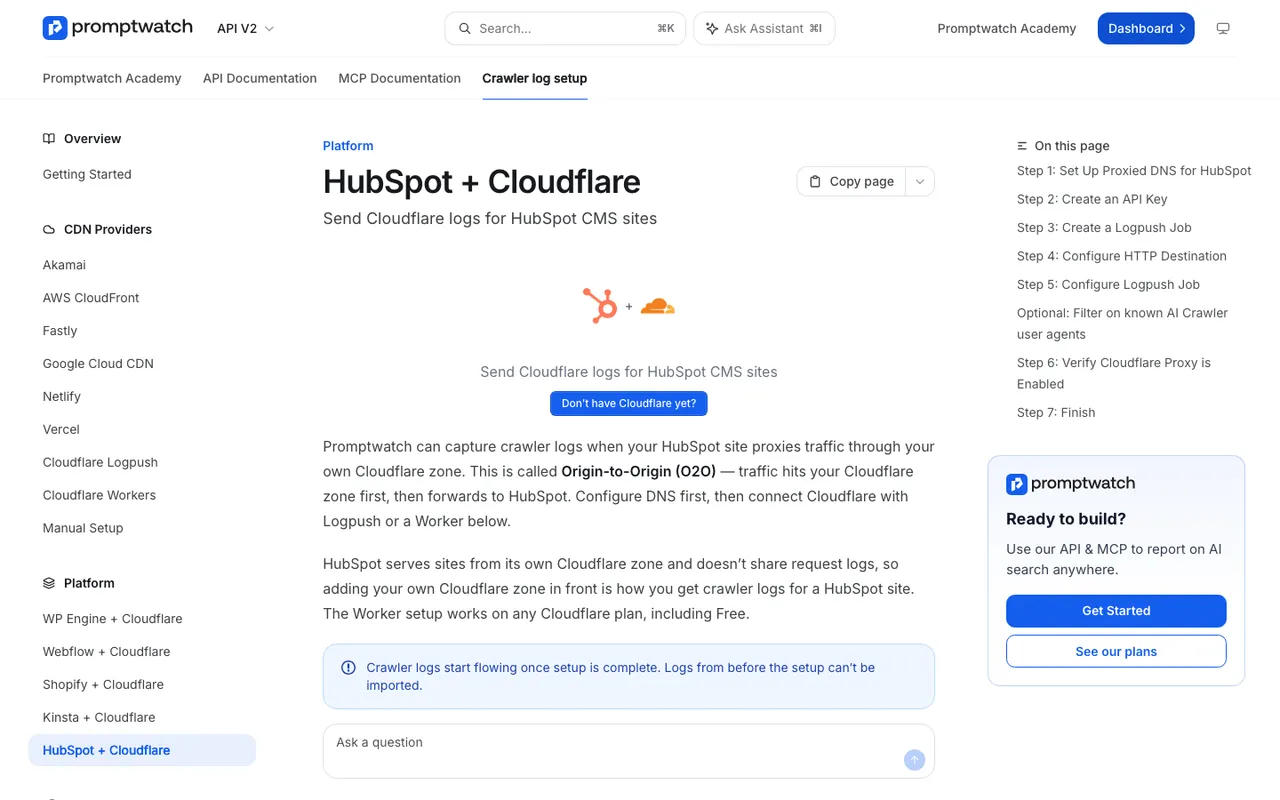
Promptwatch's "HubSpot + Cloudflare" crawler log setup page, captured November 21, 2026.
2. Cloudflare AI Crawl Control is the free check if you are already on Cloudflare. It shows AI crawler requests, status codes and popular paths, and lets you allow or block each crawler. It only covers traffic that passes through Cloudflare, identifies crawlers by user agent alone on the Free plan, and reports no citations.
3. Known Agents takes logs server side from WordPress, Cloudflare, Fastly, Akamai, CloudFront, Google Cloud and Vercel, and has a free plan with 100K events a month. Its listing notes that its Cloudflare Logpush route needs Cloudflare Enterprise. It runs no prompts, so it can't tell you what the bots' visits turned into.
4. Scrunch AI lists AI agent and bot traffic reporting on its Core plan at $250 a month. Our catalog entry doesn't document which log sources feed it or a crawl-to-citation path.
5. Botify is an enterprise technical SEO platform whose listing mentions log-file analysis of OpenAI's crawling. It publishes no price.
What to do this week
Turn on edge logging first, then fix the gaps it exposes. A good first read is the comparison suggested in Promptwatch's AI crawler traffic report, "Which AI Crawlers Visit the Open Web?",: if a provider takes a large share of crawler requests across all logs but sits near zero in yours, you are probably blocked or unreachable for it. In that report's last week shown, August 31 to September 6, 2026, OpenAI made up 79.8% of verified AI crawler requests.
Start a 7-day free trial of Promptwatch on Professional, connect your CDN, and compare a week of edge logs with what the WordPress plugin showed.