How do I know if AI crawlers are visiting my site and what content they're reading? 8 checks, ranked
Eight checks, ranked by how much they tell you, for finding out whether GPTBot, ClaudeBot, PerplexityBot and other AI crawlers visit your site and which pages they read.
Your usual analytics dashboard is built to count people in browsers, so it is the wrong place to look. The record of which bot fetched what lives in your server or CDN logs, and the job is to read those logs with the right list of names and a way to tell real bots from fakes.
We ranked eight checks by how much each one tells you. Do them in order; the first few are free.
1. Pull logs from where requests actually arrive
Everything else depends on this. If your site sits behind a CDN such as Cloudflare, Fastly, CloudFront or Akamai, that is where requests reach you first, so that is the log you want. Export a week of raw request logs with the user agent, IP address, path, status code and timestamp for each line.
2. Match the user agents against the official lists
Each AI company documents its own crawlers. These are the names to search for:
- OpenAI: GPTBot (training), OAI-SearchBot (ChatGPT search results), ChatGPT-User (fetches when a user asks), and OAI-AdsBot (checks landing pages submitted as ads).
- Anthropic: ClaudeBot (training), Claude-SearchBot (search quality), Claude-User (fetches for people asking Claude).
- Perplexity: PerplexityBot (search results, not training) and Perplexity-User (user actions).
- Meta: Meta-WebIndexer (Meta AI search), Meta-ExternalAgent (training or indexing), Meta-ExternalFetcher (user-requested fetches).
- Google: Googlebot, GoogleOther, and the user-triggered Google-Agent.
There is no bot called "ChatGPTBot". If a guide tells you to look for it, the guide is wrong.
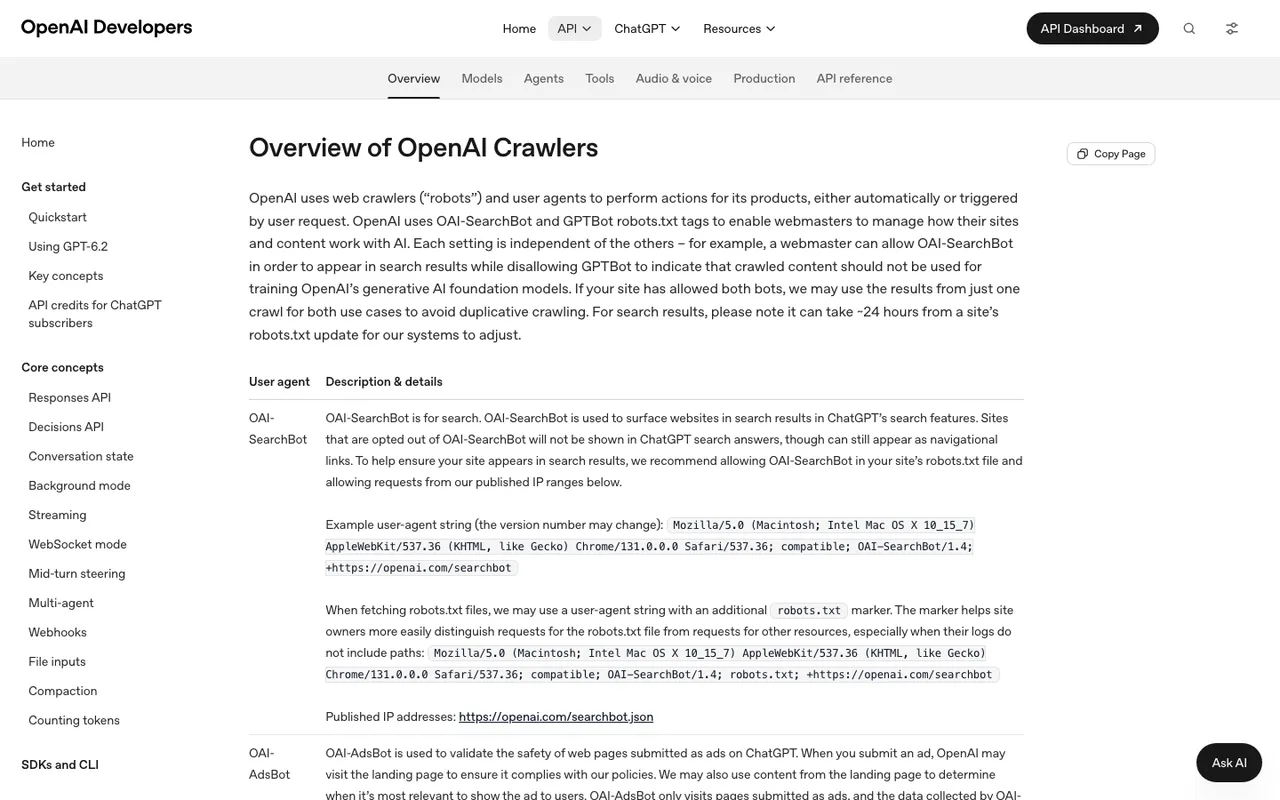
OpenAI's "Overview of OpenAI Crawlers" page, captured November 21, 2026.
3. Verify the IP addresses
User agent strings are easy to fake. Google's own crawler list carries a caution that the HTTP user agent string can be spoofed. The fix is to check the source IP against the ranges each company publishes. OpenAI publishes separate lists for OAI-SearchBot, GPTBot, ChatGPT-User and OAI-AdsBot (files such as searchbot.json and gptbot.json). Perplexity publishes perplexitybot.json and perplexity-user.json and advises combining user agent matching with IP checks. Google lists Google-Agent's ranges in user-triggered-agents.json.
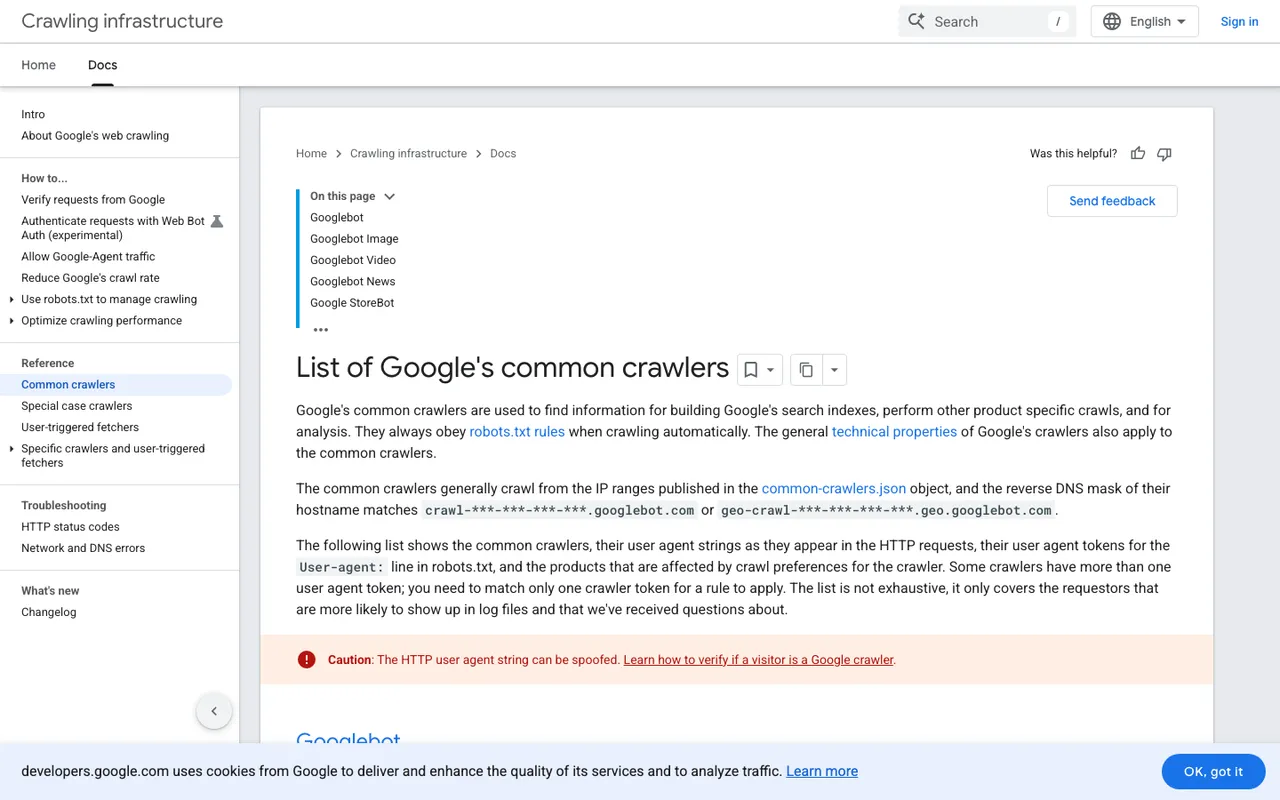
Google's "List of Google's common crawlers" page, captured November 21, 2026.
4. Sort each hit by what the bot is doing
A visit from GPTBot and a visit from ChatGPT-User mean different things. Group your verified hits into three buckets:
- Training crawlers: GPTBot, ClaudeBot, Meta-ExternalAgent. Your page may feed a future model.
- Search indexers: OAI-SearchBot, Claude-SearchBot, PerplexityBot, Meta-WebIndexer. Your page is being considered for an assistant's search layer.
- User-triggered fetches: ChatGPT-User, Claude-User, Perplexity-User, Meta-ExternalFetcher, Google-Agent. Someone asked a question, and the assistant went to read your page to answer it.
The third bucket is the closest your logs get to "my page was used in an answer".
5. Read the paths and status codes
This is where "what content they're reading" gets answered. List the most-fetched paths per bot. Then filter to 403, 404, 429 and 5xx responses. Each error is a page an AI system asked for and didn't get.
6. Know what your logs will never show
Three gaps trip people up. Google-Extended has no user agent of its own; it is only a robots.txt token, so it never appears in a log line. AI Overviews and AI Mode follow Googlebot rules, so their crawling looks like normal Googlebot traffic. And when ChatGPT uses its cloud browser for a task, OpenAI says those visits are signed with Web Bot Auth and are separate from its crawlers, so they won't look like OAI-SearchBot.
7. Confirm nothing is blocking them
If a bot never shows up, check robots.txt, then your firewall and CDN bot rules. OpenAI recommends allowing OAI-SearchBot and its published IPs if you want to appear in ChatGPT search, and says a robots.txt change can take about 24 hours to register. Perplexity gives the same 24-hour window.
8. Connect crawls to citations and visits
The checks above tell you who came and what they fetched. They don't tell you whether any of it led to a citation or a visitor. That last step needs prompt tracking and crawler logs in the same place.
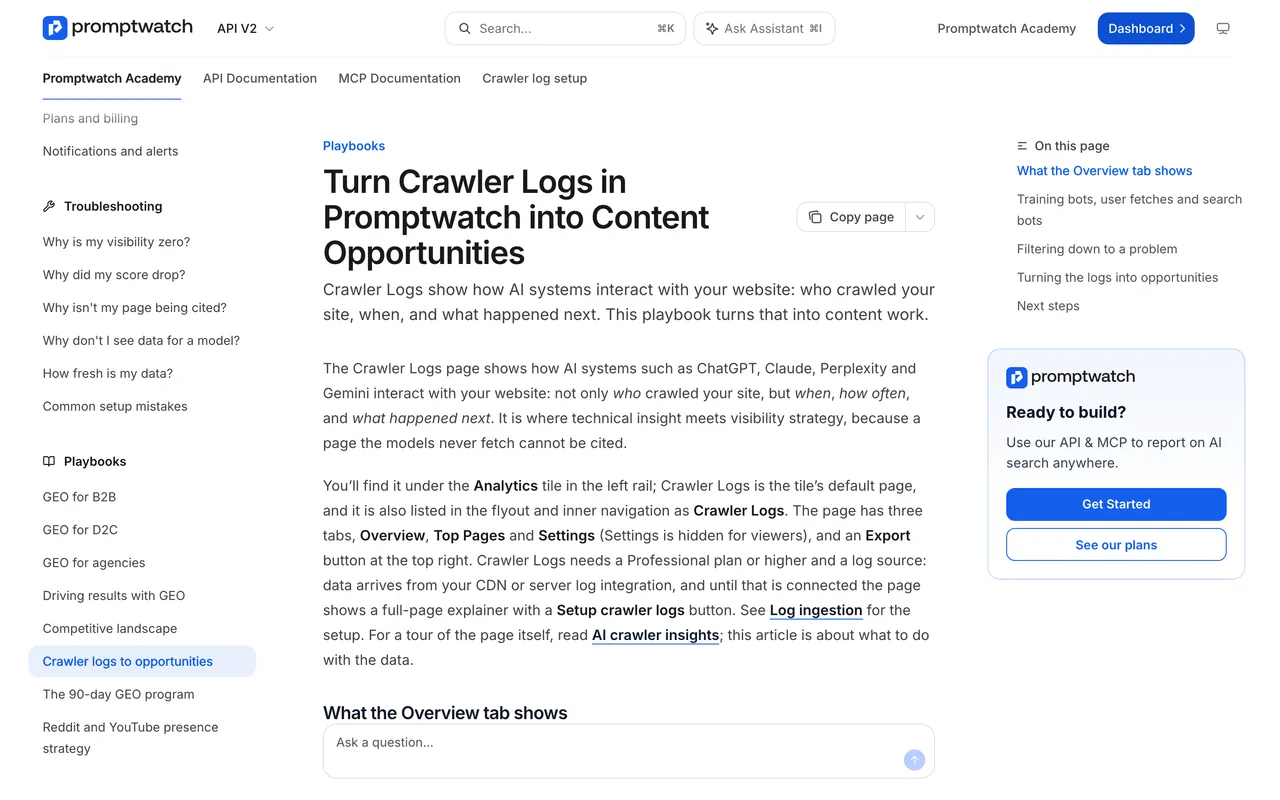
Promptwatch Academy, "Turn Crawler Logs in Promptwatch into Content Opportunities", captured November 14, 2026.
Tools that do the checks for you
- Promptwatch is our top pick because it covers all eight checks. Agent Analytics ingests logs from Cloudflare, CloudFront, Fastly, Vercel, Netlify, Akamai, Google Cloud CDN, a custom HTTP endpoint or the WordPress plugin. It checks each bot against the operator's published IP ranges (Exa's two bots are the exception, since Exa publishes none), and it shows a crawl-to-citation path with a citation rate per page. Error tracking explains failures, and a Host column flags logs from hostnames that aren't your site. Crawler logs start on Professional at $245 a month, and every agency plan includes them.
- Cloudflare AI Crawl Control is free on every Cloudflare plan and shows AI crawler requests, status codes, most-requested paths and robots.txt violations. On the Free plan, detection relies on user agent strings only, and it does not report citations.
- Known Agents has a free plan with 100K events a month, agent analytics with spoof verification, and an auto-updating robots.txt. It runs no prompts, so it can't tell you what AI says about you.
- Scrunch AI includes AI agent and bot traffic reporting alongside its monitoring, with Core from $250 a month.
If you want the full picture without building it yourself, start the Promptwatch 7-day free trial on Professional and connect your CDN on day one.