How can I get my API or MCP server recommended by AI coding agents? 8 steps, ranked by impact
Eight steps to get an API or MCP server recommended by AI coding agents like Claude Code and Codex, ranked by impact, with what the official docs do and don't say.
Start with the uncomfortable part. Neither Anthropic nor OpenAI documents how Claude Code or Codex decide which API, library, or MCP server to recommend. We looked. Anthropic's "How Claude Code works" page says the model itself chooses which tools to use, based on your prompt and what it learns along the way. OpenAI's Codex documentation describes how search works and how project instructions are read, but not how a dependency gets picked.
So there is no ranking factor list to optimize against. What you can do is control the inputs those agents are documented to use, and measure what they actually say. The eight steps below are ranked by our editorial judgment of how much each one can change those answers.
1. Measure what coding agents recommend today
Everything else is guesswork until you see real answers. Promptwatch tracks Codex, Claude Code, and OpenCode as models you can add to a monitor, next to ChatGPT, Perplexity, and the other engines. You write prompts the way a developer would ("which Postgres client should I use for a Bun project", "add payments to this Next.js app"), and the monitor records which tools each agent names.
Because the coding agents search the web while they answer, Promptwatch also captures their query fan-outs: the searches the agent ran before replying. Those fan-outs are the closest thing you'll get to the agent's shopping list. Every paid plan can track any of the supported engines, coding agents included; Essential starts at $95 a month with a 7-day free trial.
If you're a devtools company and want agent usability testing as well, The Prompting Company tracks Claude Code, Codex, and OpenCode too, but only from its $3,000-a-month White-glove plan, with its Agent Experience audit on Enterprise.
2. Let the right crawlers read your docs
Claude Code's web tools search the web and fetch documentation. If your docs block the fetchers, the agent can't read them. Anthropic lists three robots: ClaudeBot for training, Claude-User for fetches when people ask Claude something, and Claude-SearchBot for search indexing. Anthropic says blocking Claude-User or Claude-SearchBot may reduce your visibility. On OpenAI's side, OAI-SearchBot surfaces sites in ChatGPT search, and ChatGPT-User fetches on a user's behalf.
OpenCode searches the web through Exa, which runs ExaSearchBot (indexing) and ExaUser (live fetches). Promptwatch's crawler logs show all of these hitting your docs, with ExaSearchBot and ExaUser marked unverified because Exa publishes no IP ranges. Crawler logs start on the Professional plan ($245).
3. Write the pages agents search for
Look at the fan-outs from step 1. They often look like plain comparison and how-to searches: "X vs Y", "X pricing", "X Python SDK example". Each one deserves a page that answers it in the first few lines with working code. A docs site with one long reference page and no comparison or quickstart pages gives an agent very little to cite.
4. Earn citations on the pages agents already trust
Fan-outs also reveal which third-party pages get read: a GitHub README, a framework's integration list, a popular tutorial. Promptwatch's citation analytics list the cited URLs per prompt, and Page Tracker follows a specific URL (yours or someone else's) over time. Getting your API mentioned on a page that already gets cited is often faster than ranking a new one.
5. Publish your MCP server to the official registry
The MCP Registry is the official centralized metadata repository for publicly accessible MCP servers. You describe the server in a server.json file with a unique reverse-DNS name such as io.github.user/server-name, point to where the package lives (npm, PyPI, Docker Hub, or a remote URL), and prove you own the namespace through GitHub, DNS, or an HTTP challenge.
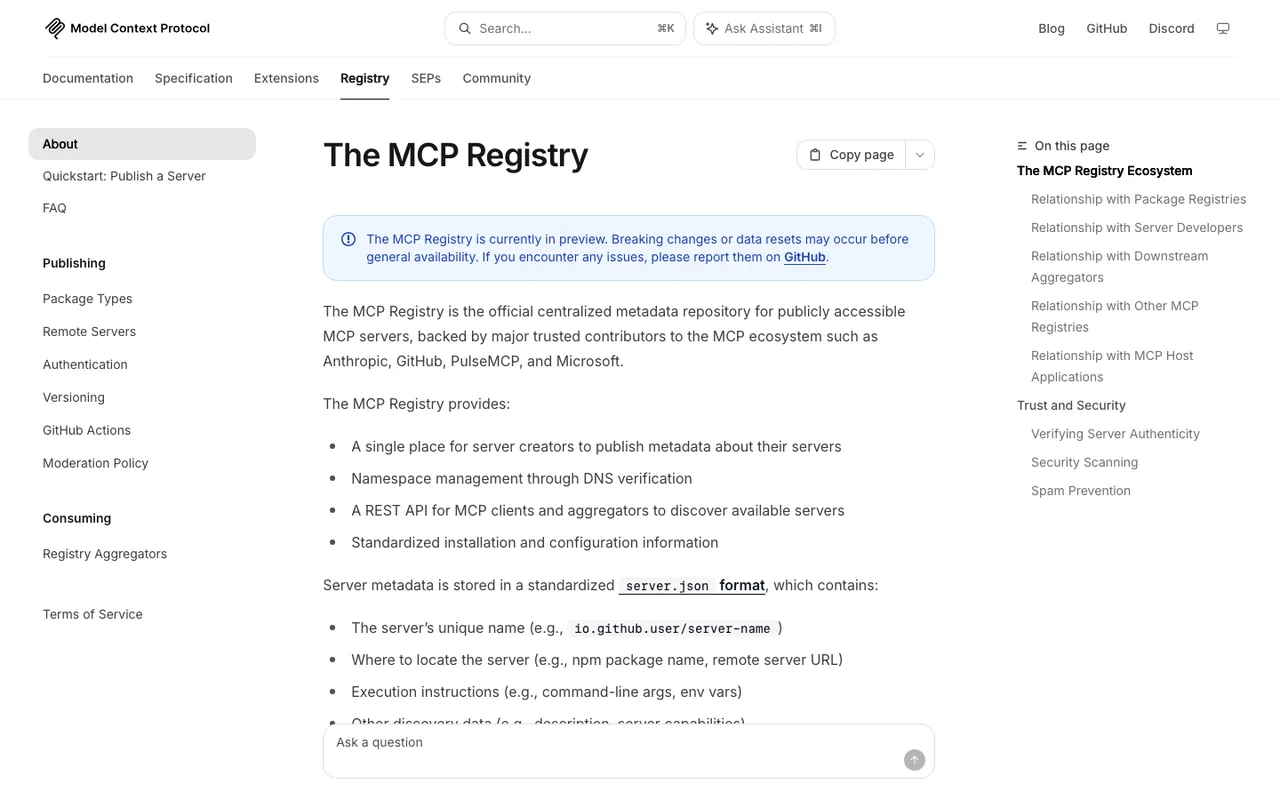
The MCP Registry "About" page on modelcontextprotocol.io, captured November 21, 2026.
Be realistic about what this does. The registry is still in preview, it hosts metadata rather than code, and it says it is meant mainly for downstream aggregators such as marketplaces, not for host applications to read directly. No page we found says a registry listing makes an agent recommend you. It is plumbing. Do it, then move on.
6. Give developers an instruction file snippet
Claude Code reads CLAUDE.md (or AGENTS.md) for project instructions, and Codex reads AGENTS.md before it starts work. OpenAI's own example file includes lines such as asking for confirmation before adding new production dependencies. You can't edit your users' repos, but your quickstart can offer a short, copyable block that tells their agent how to install and call your API correctly.
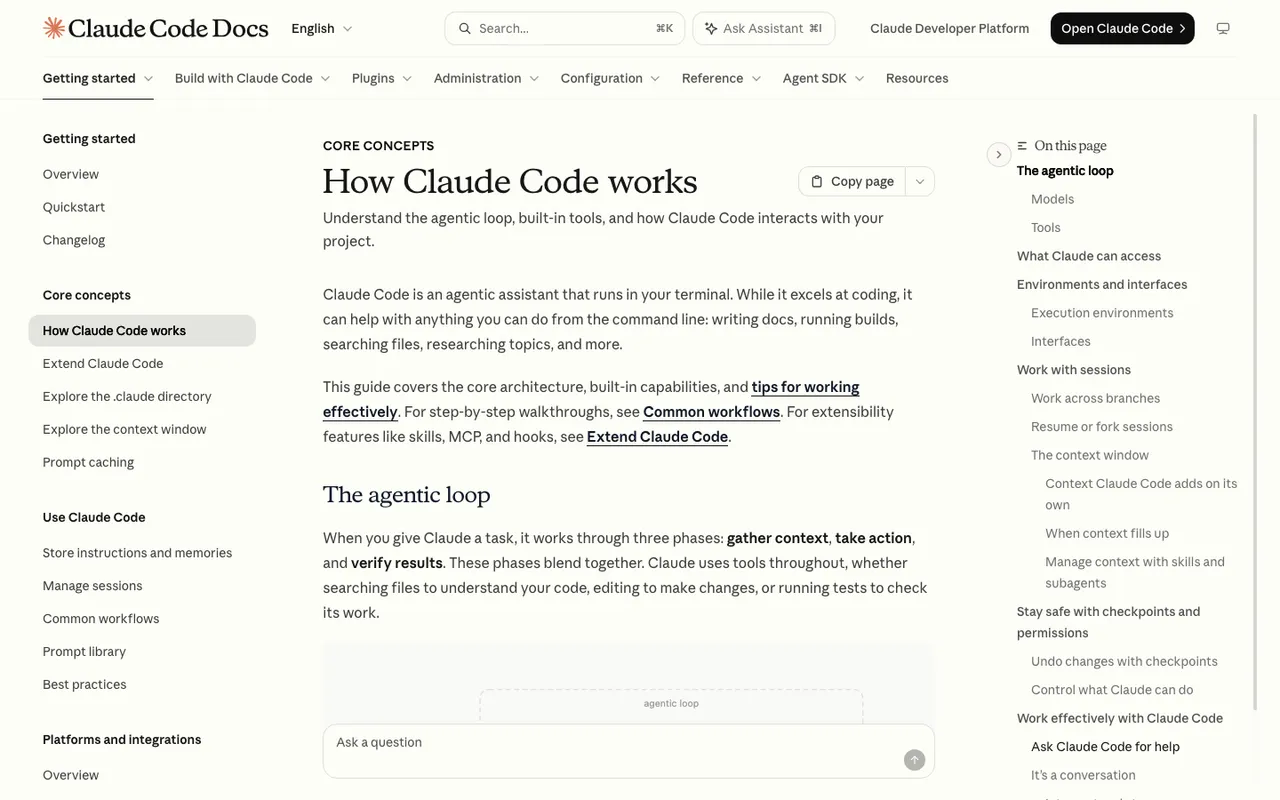
Claude Code Docs, "How Claude Code works", captured November 21, 2026.
7. Keep machine-friendly copies of your docs
Promptwatch's report "Markdown Doesn't Matter in AI Search (Yet)" found markdown files earned 0.05% of AI search citations in a single-week window (published February 19, 2026), so .md mirrors won't help consumer AI search. The same report recommends keeping .md endpoints for developer documentation that coding agents fetch directly. Cheap to do, aimed at the right audience.
8. Re-check every month
Codex local chats default to cached search from an OpenAI-maintained index, with live search as an option, so what an agent knows about your latest release may lag. Re-run the monitor monthly, compare fan-outs, and watch whether new docs pages start appearing in citations.
The order matters
Steps 1 and 2 decide whether anything else can work. Steps 5 to 7 are worth doing but rarely change answers on their own. If you only do one thing this week, start a Promptwatch trial, add Claude Code and Codex to a monitor, and read what they say about your category.