How do merchants get their products listed in Google Universal Cart and AI Mode checkout? Eight steps, ranked
The steps merchants take to get products into Google's Universal Cart and AI Mode checkout, ranked in order, plus the tools that track how AI Mode presents your catalog.
Google launched Universal Cart in the U.S. on October 15, 2026, across Google Search and the Gemini app. Shoppers can save products from several retailers into one cart, get alerts on price drops and restocks, and check out. For merchants, the question is how to get products into that flow. The answer runs through Merchant Center and a protocol called UCP, and the steps have a strict order. Getting step five right means nothing if step one fails.
Here they are, ranked by the order Google's own documentation requires them.
The ranked steps
1. A Merchant Center account in good standing, with free listings approved
Google's UCP guide "Prepare your Merchant Center account" opens with this requirement. Products must be approved for free listings before anything else applies. If you've only ever run Shopping ads, check free listings status first.
2. Return policy and customer support details
Universal Cart checkout keeps you as the seller of record, so Google needs your terms. The same guide requires a return policy with return cost, return window, and a link to the full policy. Advanced accounts set this per sub-account. You also need at least one support contact: a website URL, an email address, or a phone number.
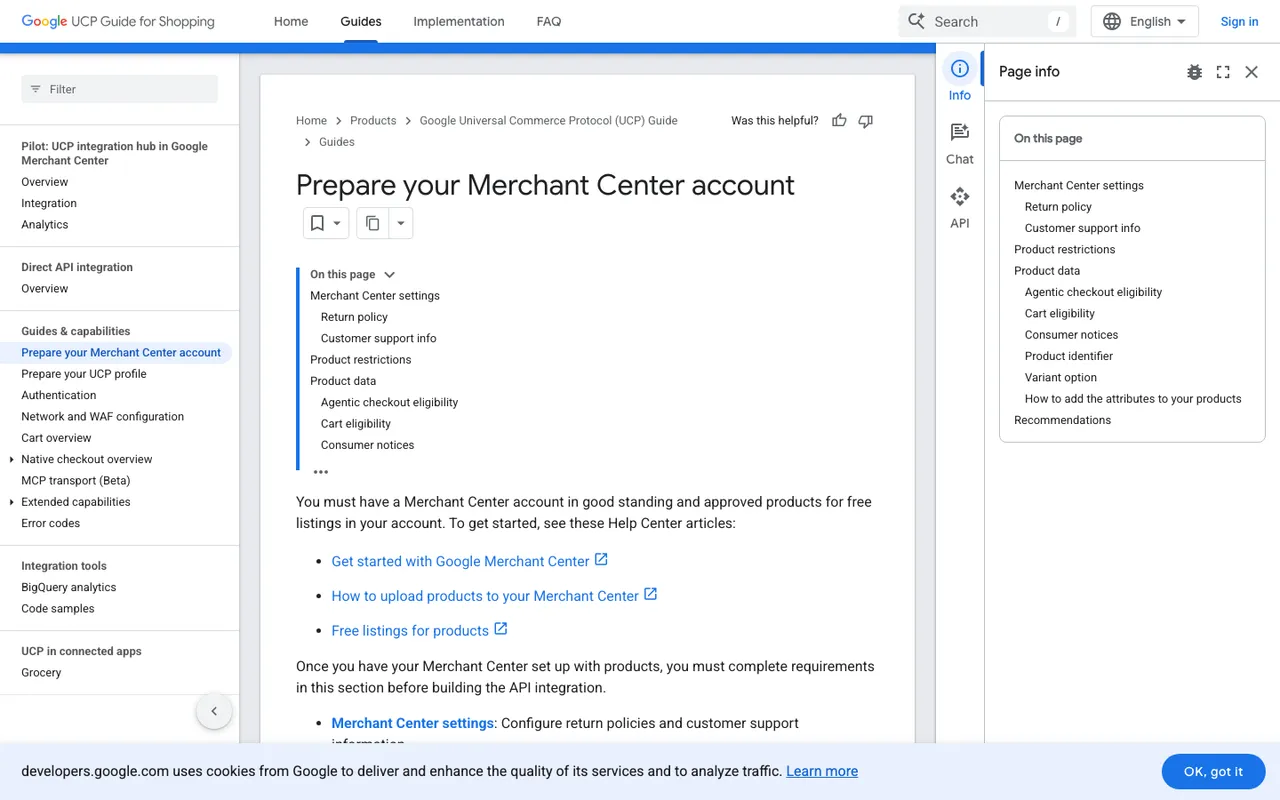
Google Merchant Center UCP guide, "Prepare your Merchant Center account", captured November 21, 2026.
3. Rule out the ineligible products
Google lists categories that can't use checkout: subscriptions, installment plans, personalized goods, refurbished, used, or final-sale items, pre-orders, items needing installation or special shipping, gifting, age-restricted items, rentals, services, virtual items, and goods that need software installed first. Flag those before you touch the feed.
4. Choose your route: cart transfer or native checkout
Universal Cart offers two ways out. A shopper either pays with Google Pay inside the cart at participating merchants, or transfers items to your own site's cart. Cart transfer is the lighter build. It uses the UCP Cart API (dev.ucp.shopping.cart), declared in a UCP profile at /.well-known/ucp. Your endpoint takes POST /carts and returns a continue_url where the shopper finishes on your site. Native checkout is the default integration for buying inside AI Mode and Gemini, and it's deeper work (step seven).
5. Set the product attributes
Eligibility lives in one attribute group, native_commerce.
- Checkout is opt-in:
native_commerce(checkout_eligibility)must be TRUE. Missing means FALSE. - Cart transfer is opt-out: once you declare the cart capability, products approved for free listings are eligible unless
native_commerce(cart_eligibility)is FALSE. - The combined form looks like
FALSE:TRUE(no checkout, cart allowed).
Google warns the whole native_commerce group is overwritten on every upload, and recommends a supplemental feed so your primary data isn't disturbed. Add consumer_notice where needed (legal disclaimers, safety warnings, Prop 65), merchant_item_id to map IDs, and variant_option with item_group_id for variants.
6. Keep price and inventory live
Universal Cart sends shoppers price-drop and restock alerts, built on Google's Shopping Graph of over 60 billion listings. Stale prices or stock would undercut that experience. Google recommends the Merchant API for real-time price and inventory updates.
7. For native checkout: waitlist, build, review
Native checkout means joining the waitlist, implementing the checkout session endpoints (create, update, complete) and order-status webhooks, and agreeing to the UCP Program Addendum. Google reviews and approves the integration before you can go live on AI Mode in Google Search and Gemini. Embedded checkout, an iframe option, exists only for specific approved merchants.
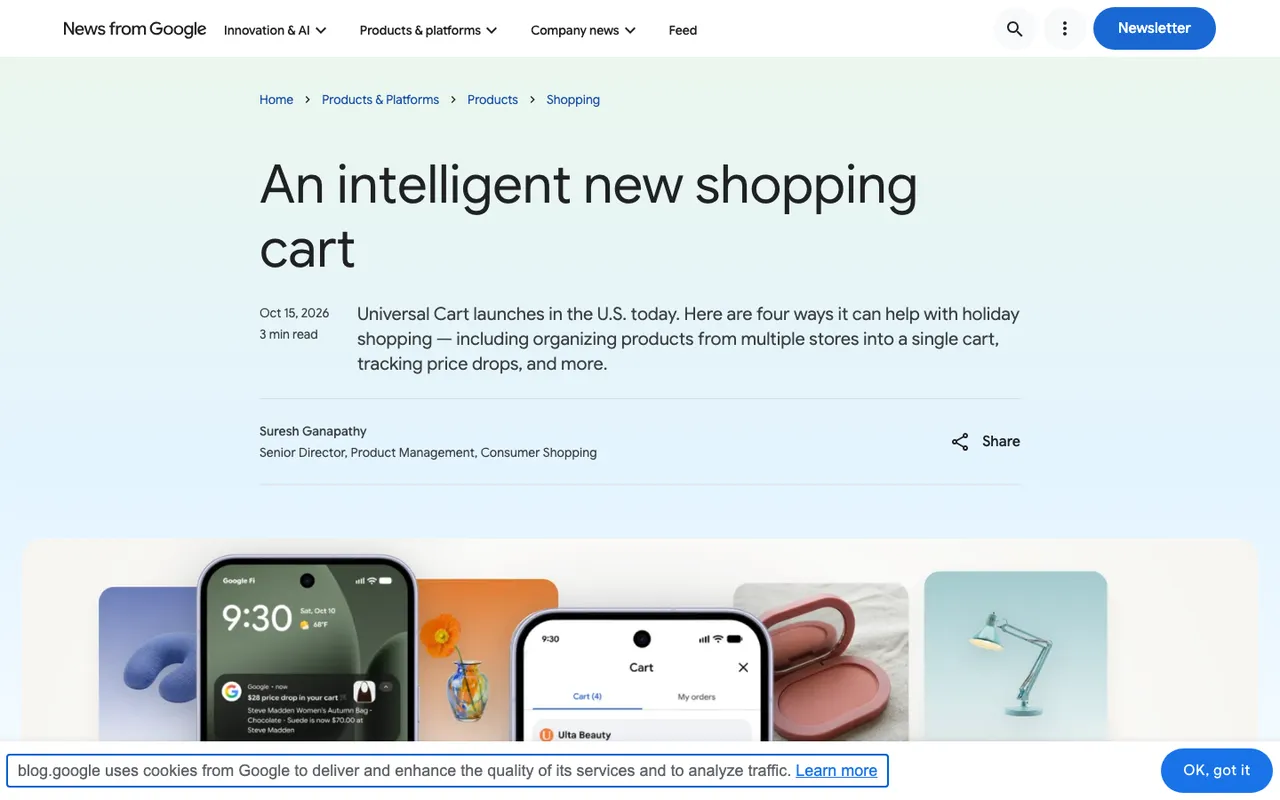
Google Keyword blog, "An intelligent new shopping cart", captured November 21, 2026.
8. Measure how AI Mode presents you
Being eligible isn't the same as being recommended. Google doesn't publish how it ranks products inside AI Mode or Universal Cart, so you have to watch the answers. This is where the tooling below comes in.
Tools that track your products in AI Mode, ranked
- Promptwatch: monitors Google AI Mode, Google AI Overviews, and Gemini through their real interfaces, alongside ChatGPT and others. Track shopping prompts ("best carry-on under $300") daily, see which merchant pages AI Mode cites, and use Ads Radar (from Business, $579/mo) to capture the sponsored ads Google places in AI Mode answers, with advertiser and landing page. Search Insights overlays Search Console clicks, where Google counts AI feature traffic. Essential starts at $95/mo with a 7-day trial on monthly billing.
- AthenaHQ: 11 models on its $295/mo Starter, a Shopify integration, and an action queue. Its new owner, Bloomreach, is an ecommerce personalization company (acquisition announced November 16, 2026).
- Scrunch AI: Core at $250/mo tracks ChatGPT, Perplexity, Google AI Overviews, and Copilot. AI Mode isn't in that Core list; Enterprise adds more engines.
- Profound: the 7-day trial covers ChatGPT, Gemini, and Google AI Overviews; Enterprise is custom.
- Goodie AI: tracks agentic commerce surfaces such as Alexa and Walmart Sparky, with SKU-level commerce visibility on its $999/mo Pro plan.
- Azoma: built for marketplace brands, focused on whether Alexa for Shopping, Walmart Sparky, or ChatGPT Shopping recommend a given SKU. Pricing is sales-quoted.
None of these vendors claims to report on what shoppers save in Universal Cart. Your read on AI Mode comes from tracking its answers.
Start here
Finish steps one through three this week; they're settings, not engineering. Then start the Promptwatch trial with your top 30 shopping prompts in an AI Mode monitor, so you have a baseline before your products become checkout-eligible.